

Manage your Time Series analyses
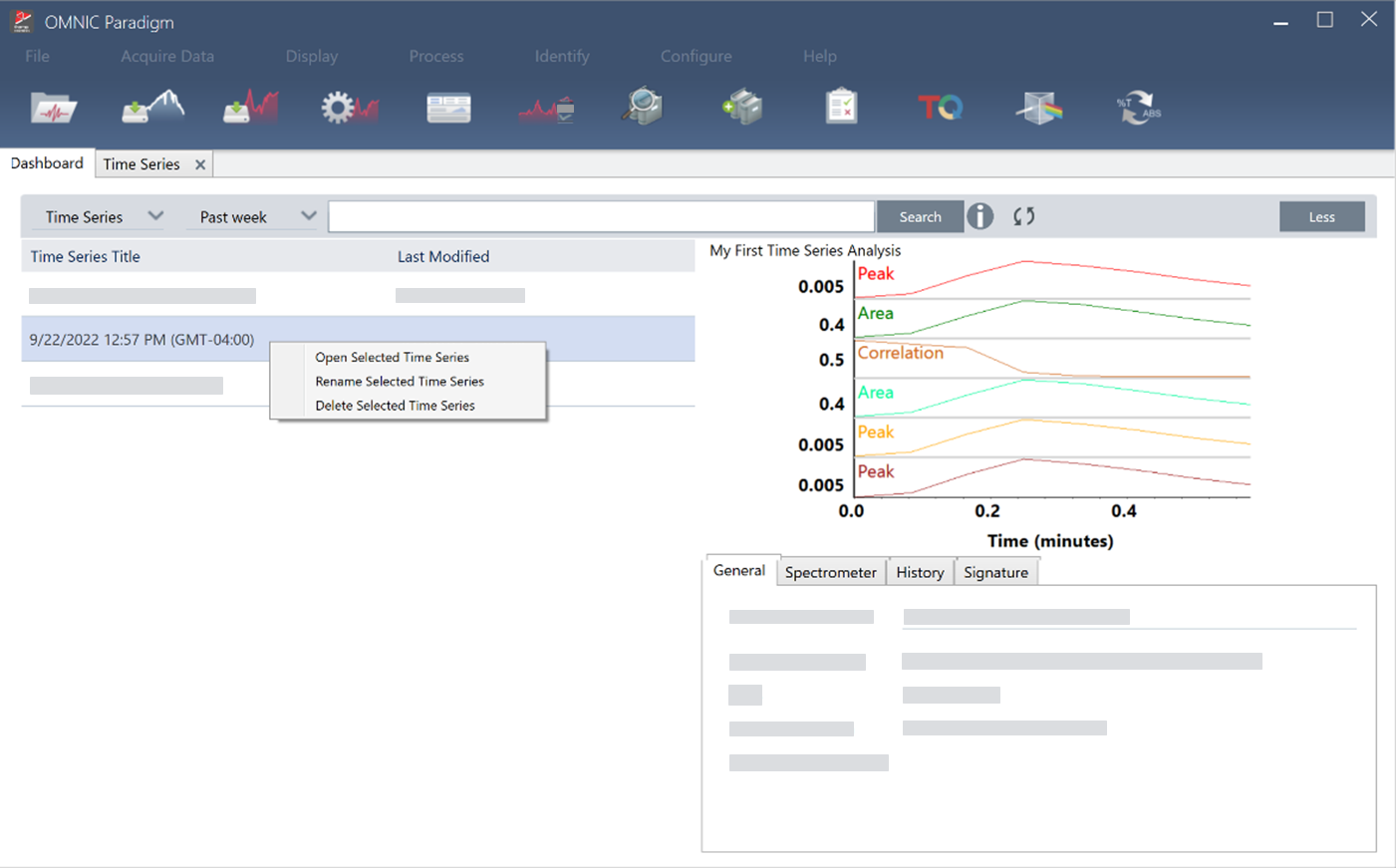
To manage previous Time Series analyses, select Time Series on the dashboard. You can view, open, rename, or delete analyses and access additional details like general information and processing history.
To view and manage your previous Time Series analyses, select Time Series on the dashboard.
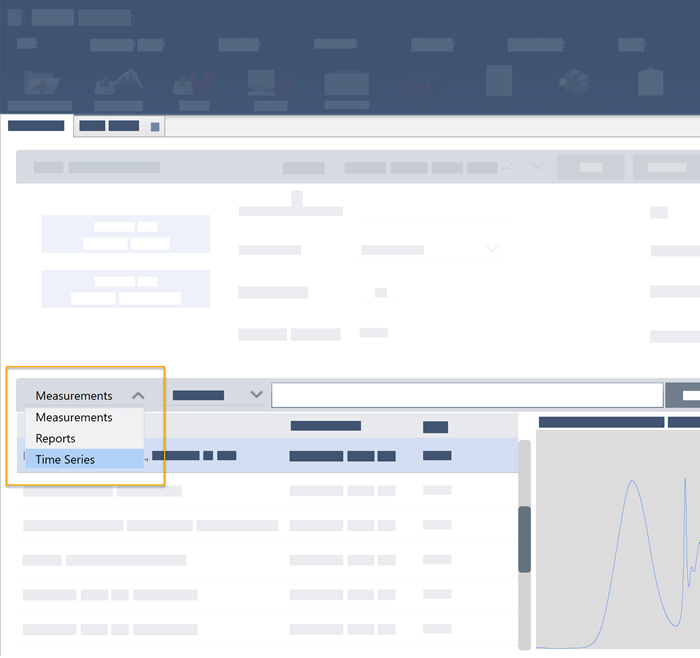
Here you can view your previous analyses or open, rename, or delete them. Select the More option to view additional details, including general information, processing history, and digital signature details, if present.
Attachment(s):
| File | Last Modified |
|---|---|
| Manage your Time Series Analyses_1.png | October 14, 2022 |
| Manage your Time Series Analyses.png | October 14, 2022 |